







GPU Computing in Lab-Control
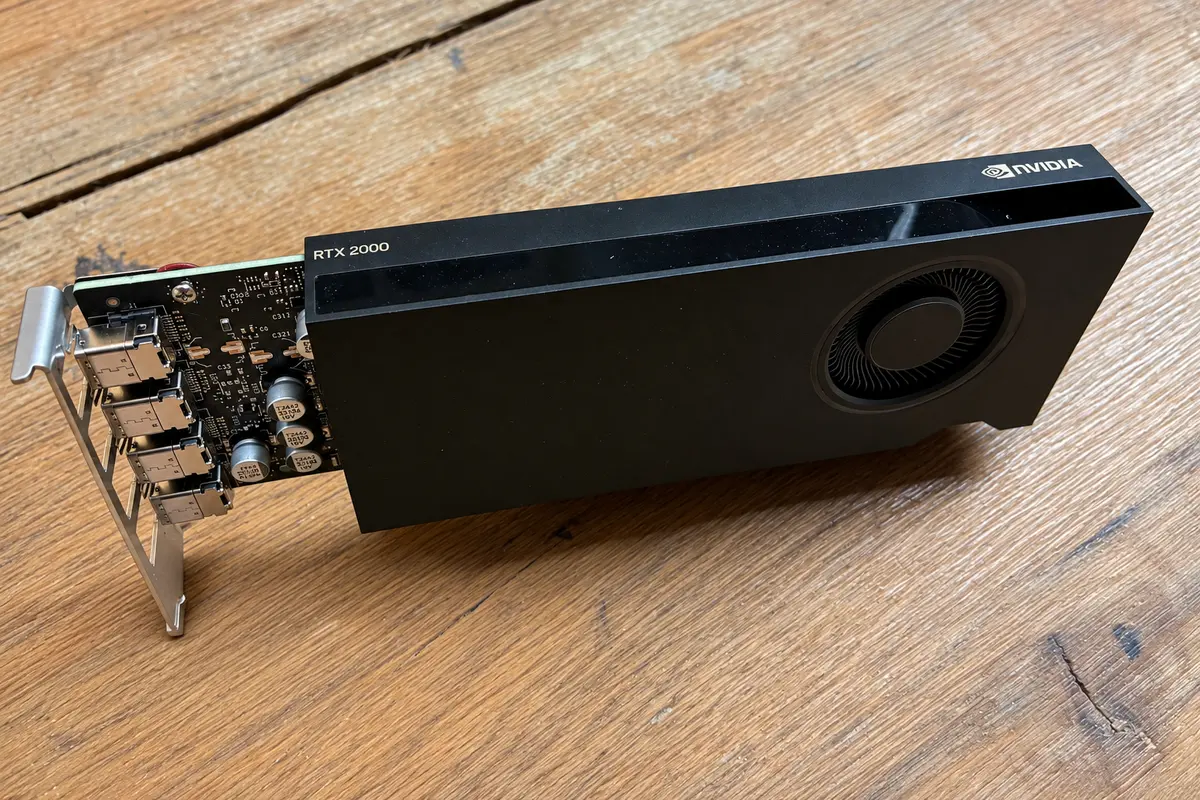
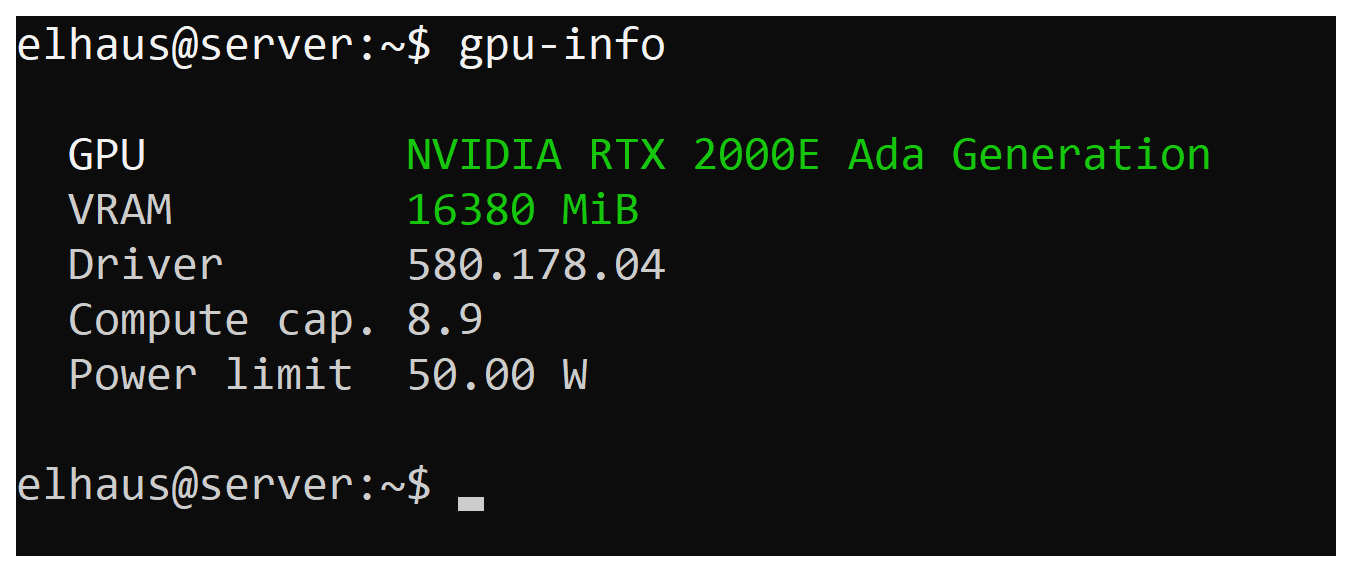
I added an NVIDIA RTX 2000E Ada with 16 GB of VRAM to server.lan. This is a workstation-grade GPU, built for professional workloads rather than gaming. It extends Lab-Control, my remote Ubuntu workbench for Codex, with GPU computing on the server I refreshed in the Agents API post.
I bought this 2024 model used on eBay for roughly €900. Its low-profile, single-slot design and 50 W maximum suit my server well, compared with the regular RTX 2000 Ada’s 70 W. In my setup, the card draws about 5 W at idle.
The card in numbers
The RTX 2000E Ada specifications put its compact size into perspective:
- CUDA cores: 2,816
- GPU memory: 16 GB GDDR6 with ECC support
- Memory bandwidth: 224 GB/s
- Single-precision (FP32) compute: 8.9 TFLOPS peak
- Video engines: 1 NVENC encoder, 1 NVDEC decoder
It keeps the same CUDA core count, memory capacity, and bandwidth as the regular RTX 2000 Ada, with roughly three-quarters of its rated FP32 compute performance: 8.9 versus 12 TFLOPS. These are theoretical peak figures; practical speed depends on the workload and data transfers.
What the GPU adds
I use the card exclusively to accelerate Lab-Control’s container workloads. I intend to use cloud services for LLM inference, speech-to-text, text-to-speech, decision models, and embeddings instead of running them locally. Lab-Control’s prepared image provides these tested capabilities:
- Python CUDA: CuPy for NumPy-style arrays and Numba CUDA for custom parallel kernels.
- Numerical computing: cuBLAS for matrix operations and cuFFT for Fourier transforms.
- Image processing: GPU filters through CuPy, including a ready-to-use image-filter helper.
- Video acceleration: FFmpeg hardware encoding with NVENC and decoding with NVDEC.
I verified these paths on the installed card, including passing device arrays between CuPy and Numba without a round trip through host memory.
Teaching Codex to use the GPU
I strengthened the Lab-Control skill to favor Python scripts with CuPy and Numba CUDA for substantial array work. It tells Codex to keep intermediate arrays on the GPU and copy back only final results. Small inputs and CPU-only tools still use standard sessions.
The MCP gained explicit GPU sessions, capability checks, and GPU-aware admission and cleanup. A GPU request fails clearly when the card or capacity is unavailable. Source import, commands, and artifact export retain the existing workflow.
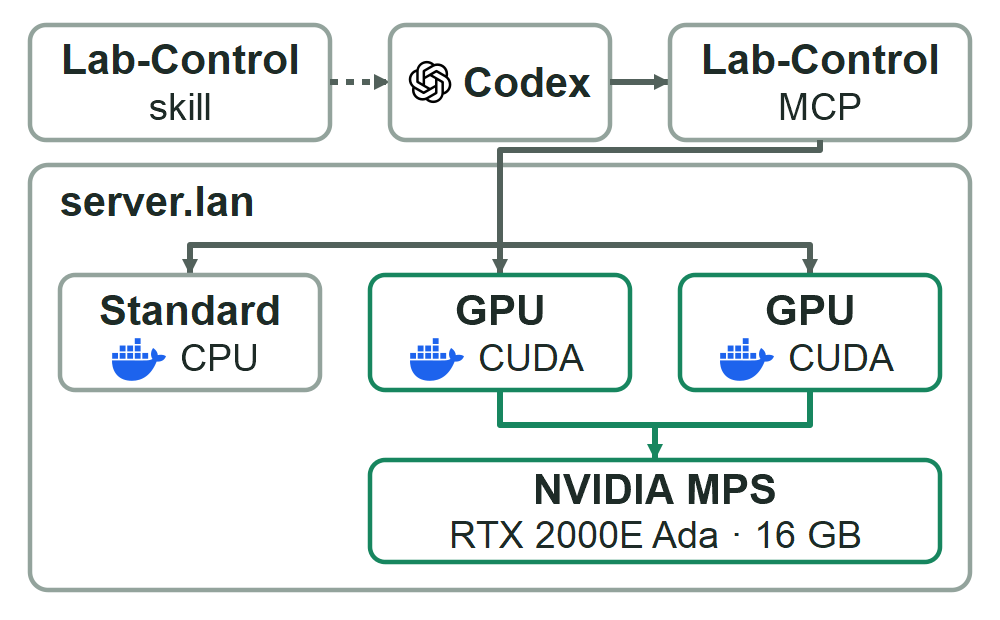
Up to three containers share the existing server budget. NVIDIA Multi-Process Service (MPS) lets CUDA processes from separate sessions run work concurrently on the same card. This helps keep the GPU busy when one task cannot fill it.
Lab-Control sets compute and per-client memory ceilings through MPS. These are cooperative limits for trusted agent workloads. I tested concurrent CUDA clients, memory-limit enforcement, and managed timeout cleanup.
With this upgrade, Lab-Control gives Codex a full-scale workbench for AI-assisted development, testing, and data and media processing, with direct access to GPU acceleration.